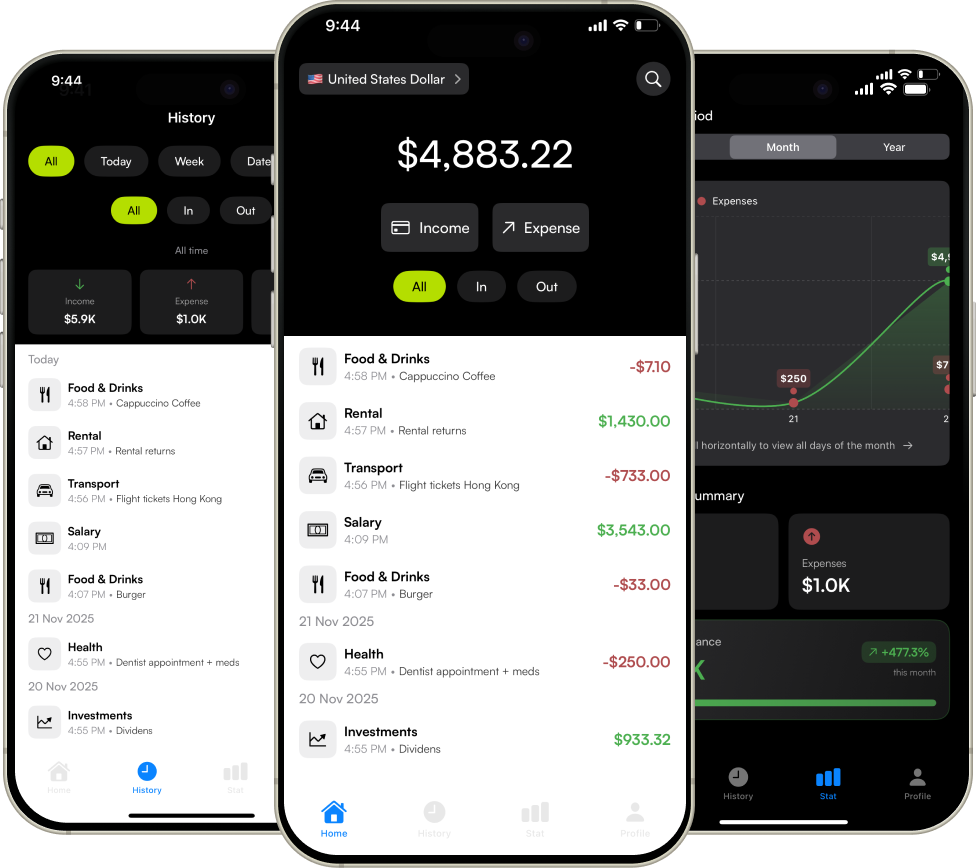
Track every expense, upload receipts, and gain insights into your spending habits with Expensiya.
Expensiya helps you track expenses, manage income, and gain valuable insights into your spending patterns with ease.
Quick expense entry with receipt capture
Smart organization with categories
Everything you need to know about Expenses Tracker - Expensiya
Adding transactions is quick and easy! Tap the "Income" or "Expense" button on the home screen, enter the amount, select a category, optionally add a note or receipt photo, and tap Continue. Your transaction is instantly recorded and synced.
Yes! You can attach receipt photos to any transaction. When adding an expense or income, tap "Receipt (Optional)" to take a photo with your camera or choose from your photo library. Your receipts are securely stored and can be viewed anytime in the transaction details.
Expensiya supports all major worldwide currencies including USD, EUR, GBP, JPY, and over 150+ others. You can easily change your currency anytime from the Profile screen, and all your amounts will be displayed in your selected currency with the appropriate symbol.
Absolutely! We take security seriously. All your transactions and receipts are encrypted end-to-end and stored securely in Firebase cloud storage. Only you have access to your data through secure authentication. We never share your financial information with third parties.
Yes! Tap any transaction to view its details, where you'll find Edit and Delete buttons. You can modify the amount, category, note, or receipt photo, or remove the transaction entirely. All changes sync instantly across your devices.
Navigate to the History tab to filter transactions by date (today, week, month, range) and type (all, income, expenses). The Stats tab shows visual charts and breakdowns of your spending by category, helping you understand where your money goes.
Still have questions? Email our support team hello@expensiya.app